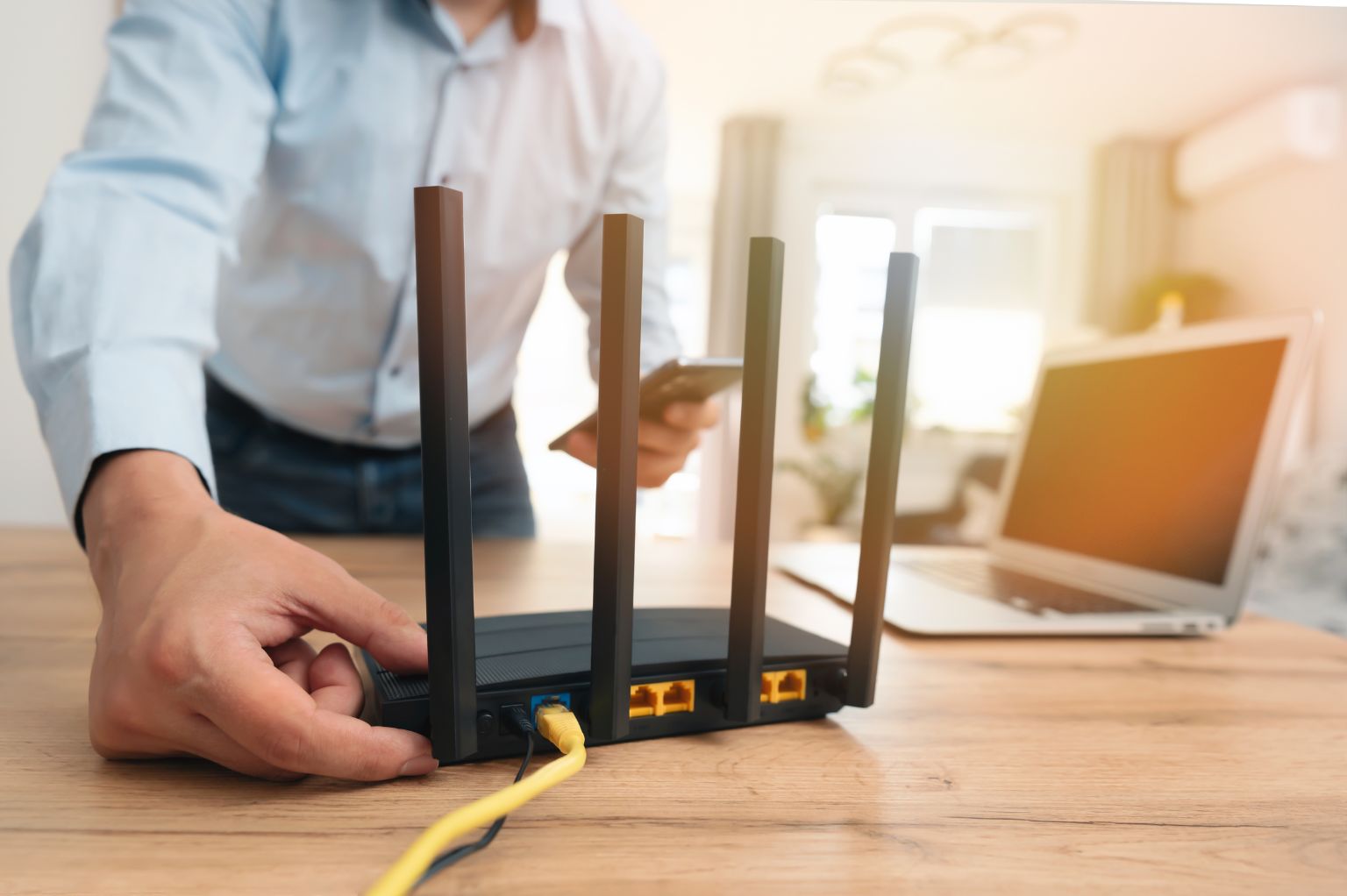
If your business internet feels slow or inconsistent, it’s often not the connection itself—it’s how your equipment is set up. In many cases, the issue comes down to your router—here’s how to check if your Wi-Fi router is slowing your internet. The good news is, a few simple changes can help you get the most out of your NBN or business internet connection. Use these practical tips to improve speed, stability and overall performance across your business.
Start with your internet setup
Before making any changes, it’s important to understand your setup. Your internet performance depends on:
- Your router (make sure it’s not limiting your performance).
- Your Wi-Fi coverage
- The number of connected devices
- How your equipment is positioned and configured
If one of these is off, your speed can drop significantly.
1. Check your Wi-Fi router
Your router is what distributes the internet across your business. If it’s outdated or underpowered, it can slow everything down—even if you’re on a fast plan. If you’re not sure whether your router is the issue, follow this step-by-step guide to check your Wi-Fi router properly. Check your Wi-Fi router properly.
What to check:
- Your router supports Wi-Fi 6 or newer
- It’s not more than 3–5 years old
- It can handle multiple connected devices
Quick fix:
If your router is older, upgrading it is often the fastest way to improve performance.
2. Use Ethernet for key devices
Wi-Fi is convenient, but not always the most stable. For important business devices, use a direct Ethernet connection where possible.
Best for:
- Desktop computers
- VoIP phone systems
- Video conferencing setups
Why it helps:
- More stable connection
- Faster and more consistent speeds
- No interference from other devices
3. Check your Wi-Fi coverage
Where your router is placed matters more than most people realise.
Best placement:
- Central location in the office
- Off the floor
- Open space (not in cupboards or behind furniture)
Avoid:
- Corners of the office
- Enclosed cabinets
- Thick walls or metal surfaces nearby
If coverage is weak, consider a mesh Wi-Fi system or additional access points.
4. Reduce device congestion
Every connected device shares your bandwidth. The more devices online, the more your speed gets divided. If your network struggles with multiple users, your router may not be able to keep up.
Common high-usage devices:
- Laptops and phones
- Video calls (Zoom, Teams)
- Cloud apps and file sharing
- Streaming or backups
What to do:
- Disconnect unused devices
- Stagger heavy usage where possible
- Upgrade your router if your team has grown
5. Make sure you’re using the right Wi-Fi band
Modern routers use different bands:
- 2.4 GHz – longer range, slower speed
- 5 GHz – faster speed, shorter range
- 6 GHz – newest and fastest (where supported)
Most routers use “band steering” automatically, but it’s worth checking your settings if performance is inconsistent.
6. Watch out for interference
Wi-Fi signals can be affected by everyday objects.
Common causes:
- Thick walls and concrete
- Metal shelving or doors
- Microwaves and Bluetooth devices
- Glass, mirrors, and large water containers
If your internet drops in certain areas, interference is often the cause.
7. Keep your equipment up to date
Outdated firmware or old equipment can slow performance. This is especially common with older routers that aren’t designed for modern business use.
What to check:
- Router firmware is up to date
- Devices are running the current software
- Hardware is still supported
Regular updates can improve speed, stability and security.
8. Know when your plan or setup is the issue
If you’ve optimised your setup and still experience issues, start by ruling out your router as the cause before upgrading your plan.
Signs include:
- Slow speeds during busy hours
- Dropouts during video calls
- Poor performance with multiple users
- Inconsistent connection quality
Final thoughts
Maximising your internet speed isn’t just about your plan—it’s about having the right setup behind it. A well-configured router, good coverage, and the right equipment can make a significant difference to your day-to-day performance.
Need help improving your business internet?
If your internet still isn’t performing the way it should, we can help review your setup and recommend the right solution for your business. Talk to our Melbourne team today.