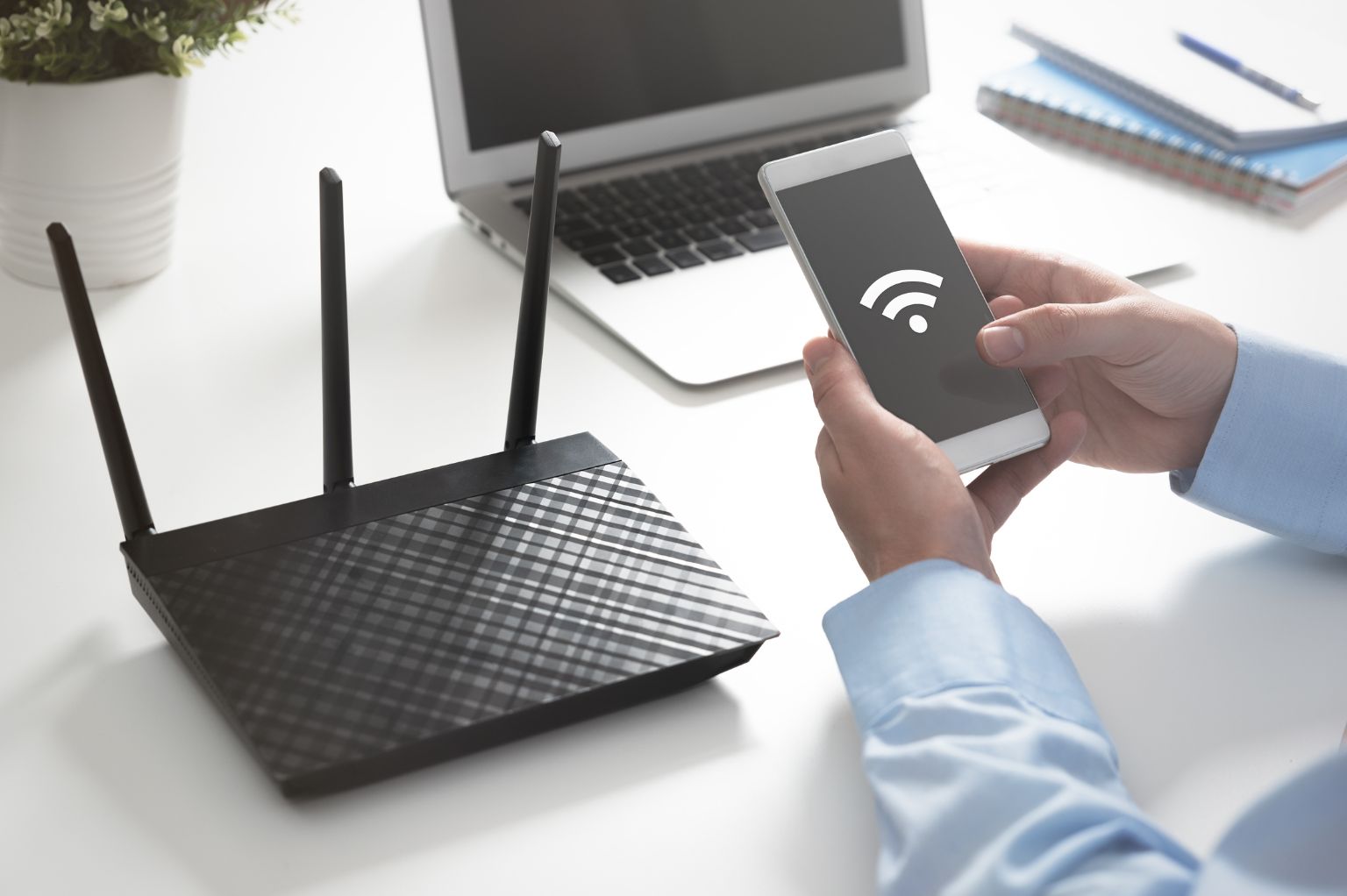
Wi-Fi signals can be affected by everyday objects and devices around your home or office. These can slow your connection, reduce coverage, or block the signal entirely.
Common Causes of Wi-Fi Interference
- Building materials and large surfaces – Materials like metal doors, appliances, mirrors, and solid walls, floors, and ceilings can significantly reduce Wi-Fi signal strength and how far it reaches.
- Interior layout and furniture – Walls, windows, and furniture can also impact your signal, although usually to a lesser degree.
- Liquids and water sources – Water absorbs Wi-Fi signals. This includes fish tanks, fridges, hot water systems, and even large amounts of bottled liquids.
- Other electronic devices – Devices such as radios, baby monitors, microwave ovens, and Bluetooth devices use signals that can interfere with your Wi-Fi.
Quick Setup Tips
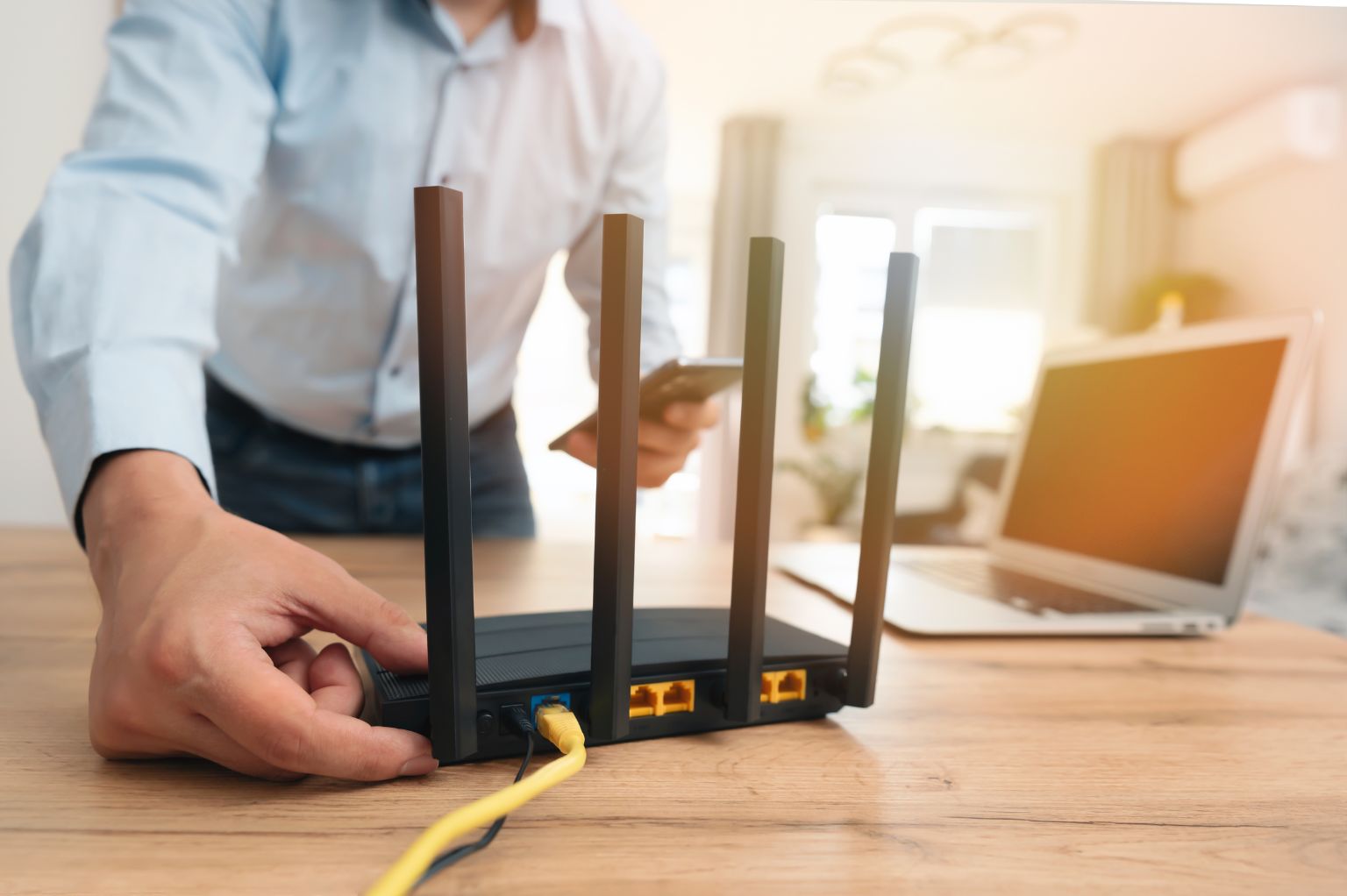
- Keep your router in an open space
- Avoid placing it in cupboards or behind furniture
- Position it away from potential sources of interference
Still Having Issues?
If your Wi-Fi isn’t performing as expected, your setup or connection may need to be reviewed.
View Plans & Pricing or talk to our team today.